 Boris Tane
 CloudWatch log centralisation: GovCloud and 13 new Regions
Explore with AI
On 16 October 2026 AWS made CloudWatch log centralisation available in AWS GovCloud (US-East and US-West) and 13 more commercial Regions, including Europe (Zurich), Asia Pacific (Jakarta) and Middle East (UAE). It copies new log events from many accounts and Regions in your AWS org into one destination account, and tags each event with @aws.account and @aws.region so you can see where it came from. You create a rule from the management account or a delegated administrator; the first copy is free and each extra copy, including a backup Region, costs $0.05/GB.
On this page
- What AWS added on 16 October 2026
- What a centralisation rule does to each log event
- Centralisation compared with a hand-built log pipeline
- Before the first rule: org membership, trusted access and a destination
- Creating the rule in the CloudWatch console
- Creating the same rule with the AWS CLI
- Naming destination log groups so accounts stay apart
- KMS settings decide which log groups get copied
- Proving the copy works: rule health, metrics and alarms
- Gotchas when rolling out to GovCloud and the new Regions
- What the copies cost
- Watching the central logging account with Polylane
- Common questions
Amazon CloudWatch log centralisation copies log data from many AWS accounts and Regions into a single destination account. It works with your AWS org, so you don’t need to build your own pipeline. On 16 October 2026 AWS announced it in AWS GovCloud (US) and in 13 more commercial Regions. Teams with workloads in Regions such as Europe (Zurich), Asia Pacific (Jakarta) or Israel (Tel Aviv) can now pull those logs into one central account with a single rule. Before this launch, those Regions couldn’t be used.
To adopt it you need an org, trusted access for CloudWatch and a destination account. Then you create one rule from the management account or a delegated administrator. The rule copies only logs that arrive after it exists. One copy is free, and each extra copy costs $0.05/GB.
What AWS added on 16 October 2026
The announcement adds these Regions:
- Commercial: Africa (Cape Town), Asia Pacific (Hong Kong), Asia Pacific (Hyderabad), Asia Pacific (Jakarta), Asia Pacific (Malaysia), Asia Pacific (Melbourne), Canada West (Calgary), Europe (Milan), Europe (Spain), Europe (Zurich), Israel (Tel Aviv), Middle East (Bahrain), Middle East (UAE)
- AWS GovCloud (US): US-East and US-West
The original launch post dates the feature to 17 September 2025. It launched in 17 Regions across the US, Asia Pacific, Canada (Central), Europe and South America (São Paulo). The announcement links to the AWS Region table for the complete list of supported Regions.
Two groups gain the most. The first is teams already centralising logs in the older Regions that also run accounts in one of the 13 new ones. Those Regions can now be added as sources. The second is GovCloud organisations. The announcement says organisations in the GovCloud (US) partition and in the commercial partition can each centralise logs across their own accounts and Regions.
What a centralisation rule does to each log event
A centralisation rule sets which source accounts and Regions to read from, which log groups to copy, and where the copy goes. The CloudWatch Logs user guide names four parts:
- Source account: where the log event first lands.
- Destination account: the account in your org that stores the copies.
- Destination Region: the primary Region in the destination account.
- Backup Region: an optional second Region in the destination account that holds another copy.
The copy happens at ingestion time. In transit, data is encrypted with an AWS owned service key. At rest, source and destination log groups use the encryption you chose. AWS adds the system fields @aws.account and @aws.region to each copied event so you can tell where it came from. By default, log groups with the same name are merged in the destination. A /aws/lambda/checkout group from staging and one from production land together unless you change the naming pattern.
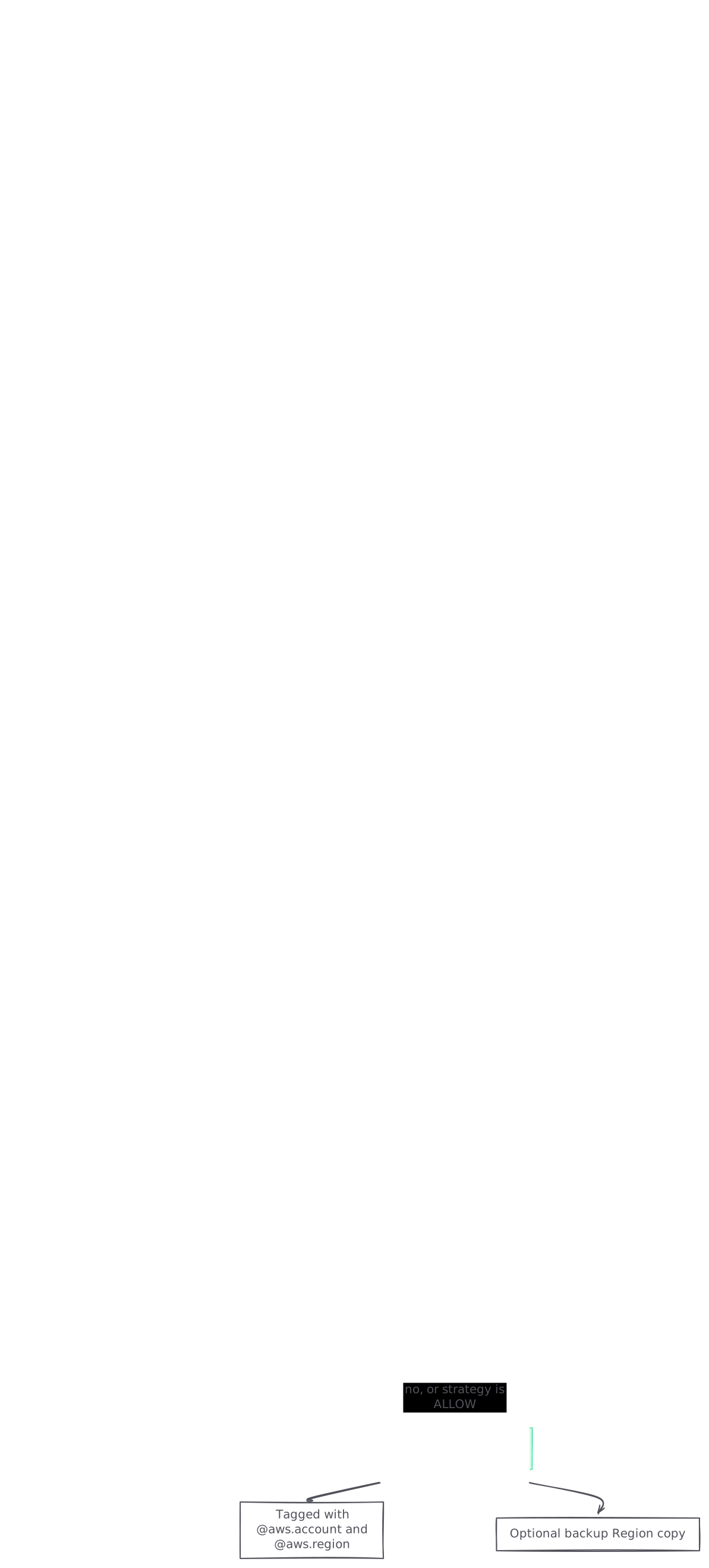
graph TB A[Log event lands in a source account] --> B{Account and Region in rule scope?} B -->|no| X[Stays in the source account only] B -->|yes| C{Log group matches selection?} C -->|no| X C -->|yes| D{Source group uses a customer KMS key?} D -->|yes and strategy is SKIP| X D -->|no, or strategy is ALLOW| E[Copied to the destination account] E --> F[Tagged with @aws.account and @aws.region] E --> G[Optional backup Region copy] style X fill:#fee2e2,stroke:#fca5a5,color:#7f1d1d style E fill:#d1fae5,stroke:#6ee7b7,color:#065f46
Rules only handle new data. AWS says logs that existed before the rule was created are not centralised. If you create a rule today for an account in Europe (Milan), the destination starts with today’s events.
Centralisation compared with a hand-built log pipeline
Before this feature, aggregating logs usually meant attaching a subscription filter to each log group. The filter forwards events to Lambda, Kinesis Data Streams or Amazon Data Firehose, and your own code writes them to a central store. That pipeline is yours to run: CloudWatch Logs reports DeliveryErrors and DeliveryThrottling for it, retries retryable failures for up to 24 hours, and does not retry errors such as AccessDeniedException.
The announcement describes centralisation as aggregation without custom solutions. You declare scope, destination and encryption once, and AWS does the copying and reports its health. After a rule is running, you can still create metric, subscription and account-level filters on the central log groups. Those filters can target events from specific source accounts and Regions, and can emit the source account and Region as metric dimensions. Keep a subscription filter where you need logs in a non-CloudWatch store, and point it at the central groups so you run one filter in place of dozens.
The same rule API can also centralise metrics through a separate SourceMetricsConfiguration block. The CLI reference says only * (all metrics) is supported there today.
Before the first rule: org membership, trusted access and a destination
- Put both accounts in one org. The source and destination accounts must belong to the same org. Accounts outside it cannot take part.
- Turn on trusted access for CloudWatch. Do this from the management account. AWS recommends turning it on in the CloudWatch console because the console creates the required service-linked role. If you enable trusted access another way, you have to create that role yourself.
- Decide who manages rules. Only the management account or a delegated administrator can create rules. Many teams make their logging account the delegated administrator so day-to-day work stays out of the management account.
- Pick the destination account and Region. For GovCloud, choose a destination account and Region inside GovCloud, because the announcement describes each partition centralising within itself.
- Check the destination’s log group quota. If the destination account reaches its log group quota, new destination groups can’t be created. Ask for a quota increase before you point a whole org at it.
Creating the rule in the CloudWatch console
From the management or delegated administrator account:
- Open the CloudWatch console, choose Settings, then the
Organizationtab, then Configure rule. - Source details: enter a rule name. Choose source accounts as a list of account IDs, a list of organisational units or the whole org, using the Builder or the free-form Editor. Select the source Regions, which can now include the 13 new commercial Regions.
- Destination details: choose the destination account, the primary destination Region and an optional backup Region.
- Telemetry data: choose All log groups, or Filter log group with selection criteria. Then choose how to treat log groups encrypted with customer managed KMS keys (covered below).
- Review the rule and choose
Create Centralization policy.
To change a rule later, open the same tab, choose Manage rules, then Edit. Deleting a rule starts from the same place.
Creating the same rule with the AWS CLI
The command is aws observabilityadmin create-centralization-rule-for-organization, and only the management account or a delegated administrator can run it. This example copies Lambda logs from one organisational unit in three of the newly added Regions into a logging account. Per the AWS Regions list, eu-south-2 is Europe (Spain), eu-central-2 is Europe (Zurich) and il-central-1 is Israel (Tel Aviv):
cat > rule.json <<'EOF'
{
  "Source": {
    "Regions": ["eu-south-2", "eu-central-2", "il-central-1"],
    "Scope": "OrganizationUnitId = 'ou-abcd-11111111'",
    "SourceLogsConfiguration": {
      "LogGroupSelectionCriteria": "LogGroupName LIKE '/aws/lambda/%'",
      "EncryptedLogGroupStrategy": "SKIP"
    }
  },
  "Destination": {
    "Region": "eu-central-2",
    "Account": "111122223333",
    "DestinationLogsConfiguration": {
      "LogsEncryptionConfiguration": { "EncryptionStrategy": "AWS_OWNED" },
      "LogGroupNameConfiguration": {
        "LogGroupNamePattern": "/central/${source.accountId}/${source.region}${source.logGroup}"
      }
    }
  }
}
EOF

aws observabilityadmin create-centralization-rule-for-organization \
  --rule-name prod-lambda-logs \
  --rule file://rule.json
The command returns a RuleArn. The syntax rules from the docs:
- Scope takes the keys
OrganizationId,OrganizationUnitId,AccountIdand*, with the operators=,INandOR. - Log group selection takes
LogGroupNameand*, with=,!=,IN,NOT IN,AND,OR,LIKEandNOT LIKE. It uses the same format as OAM link filters. - Data source selection uses the same operators on
DataSourceNameandDataSourceType. If you set both selections, an event must match both to be copied. - The rule name must be 1 to 100 characters from letters, digits and
-_.#/.
To list your rules, run aws observabilityadmin list-centralization-rules-for-organization.
Naming destination log groups so accounts stay apart
The default destination name is ${source.logGroup} alone, which merges every source group that shares a name. That suits a security team that wants one CloudTrail group. It doesn’t suit an on-call engineer who needs to know which account’s Lambda threw the error. The naming pattern accepts these attributes:
${source.accountId}and${source.region}: where the event came from.${source.logGroup}: the original group name.${source.org.id},${source.org.ouId},${source.org.rootId}and${source.org.path}: your org structure.
AWS’s own example /centralized/${source.accountId}${source.logGroup} gives /centralized/123456789012/aws/lambda/my-function. Two rules apply:
- Keep names under 512 characters, the CloudWatch Logs maximum for a log group name.
- If you turn on tag propagation, the pattern must contain
${source.logGroup},${source.accountId}and${source.region}, so each source group maps to one destination group. Tag propagation copies source log group tags to the destination. It needs a customer-managed IAM role in the destination account andiam:PassRoleon that role.
KMS settings decide which log groups get copied
Encryption is the setting most likely to stop logs arriving quietly. For source groups encrypted with customer managed keys, the rule offers three choices:
- Copy them into destination groups encrypted with a customer managed key in the destination account. You supply a key ARN for the primary Region and one for the backup Region.
- Copy them into new destination groups encrypted with an AWS owned key.
- Don’t copy them. In the API this is
EncryptedLogGroupStrategy: SKIP.
The gotchas the docs call out:
- Tag the destination key. If destination log groups use a customer managed key, add the tag
LogsManaged = trueto it. If the key policy doesn’t let CloudWatch Logs use the key, delivery fails. - Source keys still need permissions. When throughput limits are reached, data is held encrypted with your source customer managed key until bandwidth frees up. If a source group has a data protection policy, CloudWatch Logs needs decrypt permission to read the raw data.
- Existing destination groups keep their encryption. CloudWatch can’t change the encryption of a destination group that already exists. If its KMS setup differs from the rule and conflict resolution is
SKIP, records are dropped with aDestinationEncryptionMismatcherror. - Scope of the destination key. With
CUSTOMER_MANAGED, the defaultEncryptionScopeisENCRYPTED_SOURCE_ONLY: only groups whose source used a customer managed key get your key. SetNEW_DESTINATION_LOG_GROUPSto apply it to every new destination group.
Proving the copy works: rule health, metrics and alarms
Each rule reports a health status of HEALTHY, UNHEALTHY or PROVISIONING. An unhealthy rule carries a FailureReason. You see the status under Settings, the Organization tab and Manage rules, or through the GetCentralizationRuleForOrganization API. Tag propagation has its own TagPropagationStatus. A broken tag role marks only tag propagation as unhealthy, and log delivery carries on.
CloudWatch Logs publishes these metrics in the AWS/Logs namespace:
IncomingCopiedBytesandIncomingCopiedLogEventsin the destination account, bySourceAccountandSourceRegion.OutgoingCopiedBytesandOutgoingCopiedLogEventsin each source account, byDestinationRegion.CentralizationErrorin the destination, byErrorType:LogGroupQuotaExceeded,InvalidKMS,AccessDenied,LogTierMismatch,InvalidLogStream,InvalidLogGroupandDestinationEncryptionMismatch.CentralizationThrottledin each source account. AWS says throttling slows replication and does not stop the data being copied.
AWS recommends alarms on copied bytes, errors and throttling. Here is one error alarm, run in the destination account:
aws cloudwatch put-metric-alarm \
  --alarm-name logs-centralisation-access-denied \
  --namespace AWS/Logs \
  --metric-name CentralizationError \
  --dimensions Name=ErrorType,Value=AccessDenied \
  --statistic Sum --period 300 --evaluation-periods 1 \
  --threshold 0 --comparison-operator GreaterThanThreshold \
  --treat-missing-data notBreaching
Repeat it for InvalidKMS, DestinationEncryptionMismatch and LogGroupQuotaExceeded. AWS publishes these metrics on a best-effort basis, and they count only events after the rule was created. A quiet error chart in the first minutes therefore proves nothing. The real test is a query in the destination account that returns events from a new Region:
fields @timestamp, @aws.account, @aws.region, @message
| filter @aws.region = 'eu-central-2'
| sort @timestamp desc
| limit 50
For a per-source check, run stats count(*) by @aws.account, @aws.region over the last hour to see which accounts and Regions are sending nothing. To audit who changed a rule, look in CloudTrail for the create, update and delete rule events.
Gotchas when rolling out to GovCloud and the new Regions
- Expect no backfill for an added Region. AWS says logs from before a rule was created are not centralised, so adding Europe (Zurich) to a rule will likely copy only Zurich logs from then on. Export older logs another way if an audit needs them.
- One destination per partition. The announcement describes GovCloud and commercial organisations each centralising across their own accounts. Plan a GovCloud destination account and rule separately from your commercial ones.
- Long log stream names get dropped. Centralisation adds a suffix to each stream name. If the result is longer than the limit, records are dropped with
InvalidLogStream. - Log tiers must match. If the source and destination groups are on different log tiers, you get
LogTierMismatch. - Scope mistakes are easy to miss. An account, Region or log group outside the rule’s criteria is simply not copied. Check scope first when one source is missing.
What the copies cost
AWS’s pricing is one line: one centralised copy is free, and extra copies cost $0.05/GB. The 2025 launch post says a backup Region counts as an extra copy, so a primary plus a backup Region pays $0.05/GB on the backup. Before you copy every log group in the org, look up CloudWatch prices for the Regions involved. A filtered rule, such as production Lambda logs and CloudTrail only, is easier to cost and easier to roll back.
Watching the central logging account with Polylane
Polylane detects production issues and fixes them by opening pull requests. It connects to AWS, so when something breaks in any account that sends logs to the central one, it works out why, and the fix arrives ready for your team’s normal review.
Running on AWS? See how Polylane monitors AWS in production.
Common questions.
Which Regions did AWS add to CloudWatch log centralisation in October 2026?
On 16 October 2026 AWS added 13 commercial Regions: Africa (Cape Town), Asia Pacific (Hong Kong, Hyderabad, Jakarta, Malaysia and Melbourne), Canada West (Calgary), Europe (Milan, Spain and Zurich), Israel (Tel Aviv), Middle East (Bahrain) and Middle East (UAE). It also added AWS GovCloud (US-East) and AWS GovCloud (US-West). The announcement links to the AWS Region table for the complete list of supported Regions.
Does a new centralisation rule copy logs I already have?
No. AWS says only log data that arrives after the rule is created is centralised. Older logs stay in the source accounts. When you add a Region to an existing rule, expect the same: older logs from that Region will likely stay where they are.
How much does CloudWatch log centralisation cost?
The first centralised copy is free. Each extra copy costs $0.05/GB, and AWS counts a backup Region as an extra copy.
Who can create a centralisation rule?
Only the management account of your AWS org or a delegated administrator can create one. Trusted access for CloudWatch has to be on first. AWS recommends turning it on in the CloudWatch console, because that also creates the service-linked role.
How do I tell which account a centralised log event came from?
Each copied event has the system fields @aws.account and @aws.region, which you can filter and group on in Logs Insights. You should also set a destination naming pattern that includes the source account ID and Region, because the default pattern merges groups that share a name.
Why are some of my log groups missing from the destination account?
AWS's troubleshooting list has three common causes. The account, Region or log group may be outside the rule's scope. The source group may use a customer managed KMS key that the rule skips. Or the destination key may lack the LogsManaged = true tag or the right key policy. Check the rule's health status and `FailureReason`, then the `CentralizationError` metric by `ErrorType`.
Can GovCloud organisations use centralisation rules now?
Yes. Since 16 October 2026 the feature runs in GovCloud US-East and US-West. The announcement describes GovCloud and commercial organisations each centralising across their own accounts and Regions, so plan a destination account inside GovCloud.
What should I alarm on after turning centralisation on?
AWS recommends alarms on `IncomingCopiedBytes` to catch a drop in copied data, on `CentralizationError` for failed copies, and on `CentralizationThrottled` for slow processing. All three are in the `AWS/Logs` namespace. Errors are published in the destination account and throttling in the source accounts.
Sources (8)
- Amazon CloudWatch log centralization now available in AWS GovCloud and additional commercial Regions
- Cross-account cross-Region log centralization, CloudWatch Logs User Guide
- AWS CLI reference: create-centralization-rule-for-organization
- Monitoring with CloudWatch metrics, CloudWatch Logs User Guide
- Amazon CloudWatch launches Cross-Account and Cross-Region Log Centralization
- AWS Regions, AWS Global Infrastructure docs
- Polylane full content
- Polylane docs
Boris Tane is the founder of Polylane. He previously founded Baselime, observability for the future of the cloud, which Cloudflare acquired. At Cloudflare he built and led the Workers observability team.
Related
- Is It Safe to Give an AI SRE Read Access to Production? Read access for an AI SRE is a sound first step if you scope it. The risks are secrets, customer data and exfiltration. Here are the controls and a checklist.
- What Is an AI SRE? How It Works and How to Evaluate One An AI SRE is an AI agent that triages alerts, investigates incidents and proposes fixes. Learn how it works, the autonomy levels and how to evaluate one.
- Fix AuthorizerConfigurationException in API Gateway AuthorizerConfigurationException means API Gateway couldn't call your Lambda authorizer or couldn't read its response. Find the cause and fix it.
- Lambda Durable Execution SDK for Go is GA: a practical guide AWS made the Lambda Durable Execution SDK for Go generally available on 15 October 2026. What it does, how to ship one, and the limits that bite.
- AWS Lambda durable functions in GovCloud: setup and limits Lambda durable functions reached AWS GovCloud (US-West) and (US-East) on 16 October 2026. What they do, how to set one up, and the limits AWS documents.