 Boris Tane
 Modal container out of memory: find the cause and fix it
Explore with AI
A Modal container runs out of memory in one of two places: host RAM, where the container is OOM-killed and Modal retries its inputs, or GPU memory, where your framework raises a CUDA out-of-memory exception inside your code. For host RAM, request enough memory with the memory argument on @app.function and look for state that keeps growing across inputs. For GPU memory, shrink batches or the model's footprint, or pick a GPU type with more memory.
Ongoing incident? Our founding team can help you get your Modal app back up.On this page
- What out of memory means on a Modal container
- Telling a RAM kill from a GPU out-of-memory error
- Fixing a host RAM kill
- Fixing GPU out-of-memory errors
- What Modal does after an OOM crash
- Mistakes that bring the OOM back
- Catching memory crashes before users do
- Spotting a runaway Modal container automatically
- Common questions
A Modal container that runs out of memory has hit one of two walls. One is host RAM: the container’s processes use more than the machine will give them, the container is killed, and Modal reschedules it and retries the work it was running. The other is GPU memory: your model, activations or KV cache don’t fit on the card, and PyTorch or your inference engine raises an out-of-memory exception from inside your code. The fixes are different, so the first job is to work out which wall you hit.
For host RAM, request the memory you need with memory= on @app.function(), and track down anything that grows across inputs in a reused container. For GPU memory, cut the batch size, sequence length or precision, or move to a GPU type with more memory. The rest of this page covers how to tell the two apart, the fix for each cause, and how to stop the crash coming back.
What out of memory means on a Modal container
Modal gives every Function and Sandbox container a default request of 0.125 CPU cores and 128 MiB of memory. That figure is a guaranteed minimum. It isn’t a ceiling. Modal’s docs say a container can go above it when the worker has spare CPU or memory. So a function that needs 6 GiB can run fine for days on a quiet worker, then die when it lands on a busy one. That is why OOM on Modal often looks random: the code didn’t change, only the neighbours did.
There are two likely ways a container gets OOM-killed for host memory:
- No hard limit, busy worker. The likely explanation when you set no limit: the container used more than its request on a worker that had no spare memory left to give.
- You set a hard limit. With
memory=(request, limit), Modal kills the container once it tries to go past the limit. Modal documents this as a guard against serious leaks, so you stop paying for leaked memory.
GPU memory is separate. The card has a fixed size: 48 GB on an L40S, 40 or 80 GB on an A100, 141 GB on an H200. When a tensor allocation doesn’t fit, the CUDA allocator fails and your framework raises an exception in your Python code.
Telling a RAM kill from a GPU out-of-memory error
The two failures look different in the logs and behave differently afterwards. This is the order to check them in.
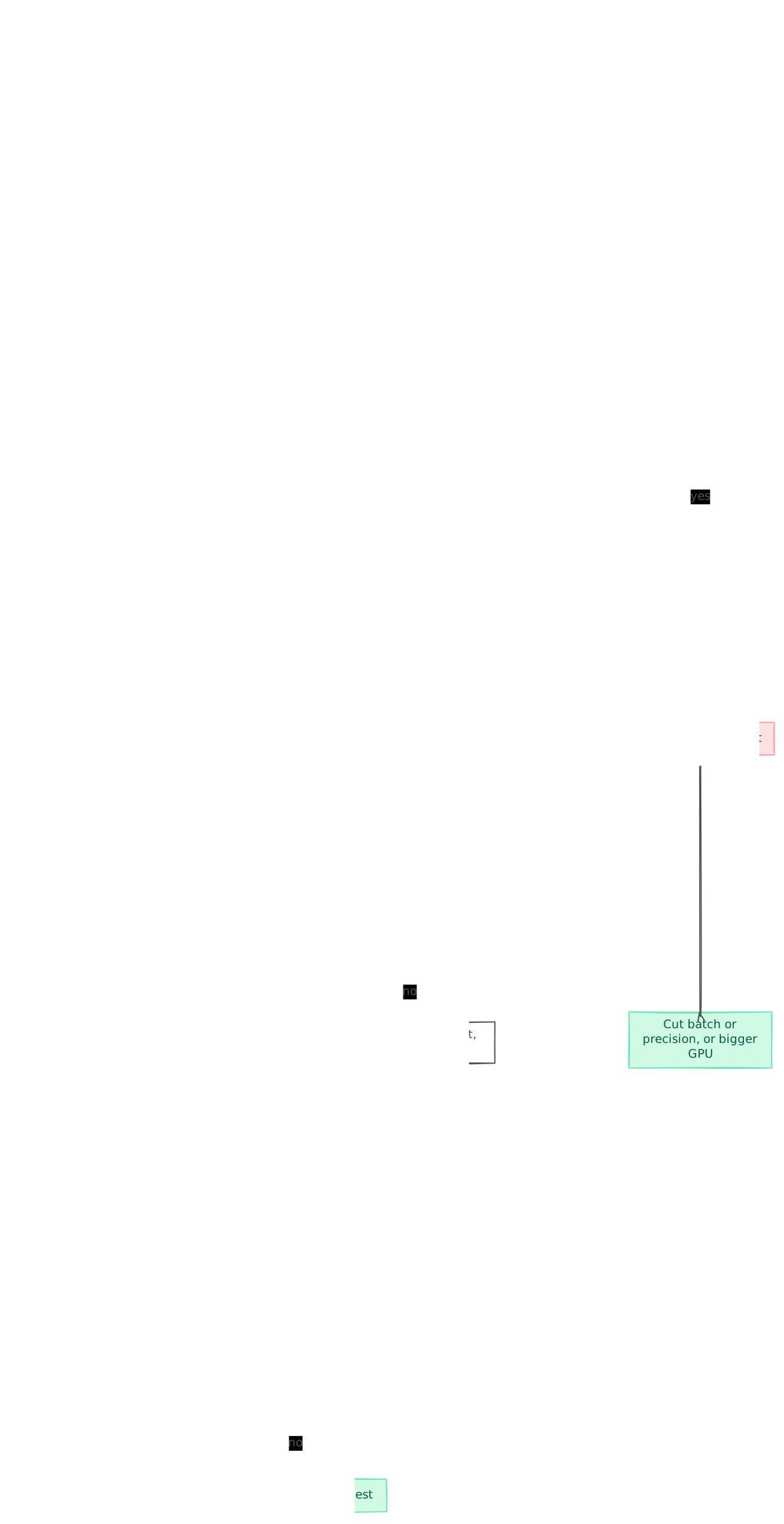
graph TB A[Modal call fails or retries] --> B{CUDA out of memory in traceback?} B -->|yes| C[GPU memory ran out] B -->|no| D{Container crashed and was rescheduled?} D -->|yes| E[Host RAM ran out] D -->|no| F[Check disk, heartbeat, GPU health logs] C --> G[Cut batch or precision, or bigger GPU] E --> H{RAM climbs across inputs?} H -->|yes| I[Leak in reused container state] H -->|no| J[Raise the memory request] style C fill:#fee2e2,stroke:#fca5a5,color:#7f1d1d style E fill:#fee2e2,stroke:#fca5a5,color:#7f1d1d style G fill:#d1fae5,stroke:#6ee7b7,color:#065f46 style I fill:#d1fae5,stroke:#6ee7b7,color:#065f46 style J fill:#d1fae5,stroke:#6ee7b7,color:#065f46
- Open the App page. Every Modal app logs a dashboard link when it starts. The page shows application logs, Modal’s system logs, CPU, RAM and GPU metrics, and the call history with success and failure counts.
- Read the failed call’s logs. A traceback from your framework that mentions CUDA and out of memory points to GPU memory. A container that stopped with no Python traceback and was replaced points to host RAM.
- Look at the RAM chart for the function. A sawtooth that climbs with each input and drops when a new container starts is a leak. A flat line that jumps on certain inputs is one large input or one large batch.
- Check whether the app is crash-looping. For deployed apps, Modal shows crash-looping containers in the App dashboard.
- Watch a live container. List running containers, then open a shell in one and check memory while it works:
modal container list
modal shell ta-01JK47GVDMWMGPH8MQ0EW30Y25
# inside the debug shell
ps aux --sort=-rss | head
The debug shell ships with ps, strace and py-spy. You can also run a single command with modal container exec. Both end the moment the container exits, so attach while the memory is still climbing.
- Log peak memory from inside the function. This tells you the number to request, and it survives into the logs even when the container is killed later:
import resource

@app.function(memory=4096)
def process(item):
    result = do_work(item)
    peak_mib = resource.getrusage(resource.RUSAGE_SELF).ru_maxrss / 1024
    print(f"peak_rss_mib={peak_mib:.0f}")
    return result
On GPU functions, log the allocator’s peak too:
import torch

torch.cuda.reset_peak_memory_stats()
output = model(batch)
print(f"peak_gpu_mib={torch.cuda.max_memory_allocated() / 2**20:.0f}")
Failures that look like OOM and aren’t
- Disk full. Writes are capped by the worker’s SSD and a per-container quota that defaults to 512 GiB. Hitting either one rejects the write, usually as an
OSError. Raise it withephemeral_disk=, up to 3.0 TiB. - Heartbeat timeout. A container that stops heartbeating for minutes, for example because the Python GIL is held for a long time, is terminated with
heartbeat timeoutin the logs. Modal’s troubleshooting guide suggestspy-spyto detect GIL holding, then running that code in a subprocess. - A GPU fault. Lines starting
[gpu-health]report hardware problems. On aCRITICALevent Modal drains the worker and moves your containers. That is a hardware fault, and more memory won’t fix it.
Fixing a host RAM kill
Request the memory the function actually peaks at
Take the peak you logged, add headroom, and request it in MiB:
@app.function(memory=8192)  # at least 8 GiB guaranteed
def transform(batch):
    ...
This is the fix for most OOM crashes on Modal, because the default 128 MiB guarantee is tiny next to most data or ML work. Two billing rules shape how far you go. Modal charges for CPU and memory at whichever is higher, your request or your actual usage, so a request well above the real peak costs money on every second the container runs. And Modal checks the request against a maximum when the Function is created: if you ask for too much, it rejects the request with an InvalidError, and the container never starts.
Set a hard limit when a leak is the risk
A tuple sets a request and a hard limit together:
@app.function(memory=(2048, 4096))  # request 2 GiB, kill above 4 GiB
def handle(event):
    ...
Use this when you would rather the container die and restart than slowly eat memory you pay for. It doesn’t fix the leak. It caps the cost and makes the failure show up quickly and repeatably, which makes it easier to debug.
Stop state growing across inputs
Modal reuses a container for later inputs, and anything stored on self in an @app.cls() class stays alive for the life of that container. The same goes for module-level globals. Caches with no size bound, lists of results kept for logging, and dataframes held in globals all grow with every call until the container falls over. Signs of this: the first calls on a fresh container succeed, and the OOM always arrives after a run of successful calls.
Fixes, from least to most drastic:
- Bound every cache, for example
functools.lru_cache(maxsize=...). - Delete large objects at the end of each call and drop references you don’t need.
- Load heavy things such as model weights once, in a
@modal.enter()method, and don’t reload them on every call. - Set
single_use_containers=Trueso each container ends after one input. Modal’s docs warn this adds latency and cost, because every call pays a cold start.
Watch for memory that scales with concurrency
If one container handles several inputs at once, memory per container is roughly the per-input peak times the number in flight. A function that peaks at 3 GiB per input needs far more when it handles several together. Either raise the request to match, or lower how many inputs a container takes at once.
Stream large inputs
Reading a whole file or table into memory is the common way a single input blows the budget. Read in chunks, select only the columns you need, and write intermediate results to a Volume.
Fixing GPU out-of-memory errors
GPU memory is fixed by the card, so the fixes are about fitting the work to the card or picking a bigger card.
- Cut what you put on the GPU at once. Smaller batch size, shorter maximum sequence length, or a smaller KV cache budget in your inference engine.
- Use less memory per parameter. Load weights in a lower precision, or a quantised variant of the model.
- Pick a card with more memory. Modal lists T4, L4, A10, L40S, A100, A100-40GB, A100-80GB, RTX-PRO-6000, H100, H200, B200 and B300. Plain
gpu="A100"asks for the 40 GB card, and Modal may upgrade it to the 80 GB one. If you need 80 GB, requestA100-80GBexplicitly. - Spread the model across GPUs. Append a count, such as
gpu="H100:8". Most types support up to 8 GPUs per container, up to 2,304 GB of GPU RAM. A10 instances top out at 4 GPUs and 96 GB. - List fallbacks that keep the same memory.
gpu=["H100", "A100-40GB:2"]tries an H100 first and falls back to two 40 GB A100s.
@app.function(gpu="A100-80GB", memory=32768)
def generate(prompts):
    ...
Remember that a GPU function still needs host RAM. Weights usually pass through CPU memory on their way to the card, so a large model can be OOM-killed on the host while loading, before the GPU is ever full. Set memory= on GPU functions too.
Code that only fits because of an upgrade
Modal may run a gpu="H100" request on an H200, whose memory is 1.75x larger. Modal notes that code still runs as long as it doesn’t make strict assumptions about memory capacity. The catch: a batch size tuned on an H200 can fail on a real H100. Use H100! when you size batches or benchmark, so the card doesn’t change underneath you.
Allocator modes that gVisor blocks
Modal runs containers in gVisor, which doesn’t support cudaMallocManaged. NVIDIA’s RAPIDS guide for Modal says the default managed memory modes in cudf.pandas won’t work there, and you should set CUDF_PANDAS_RMM_MODE to async. If an allocator setting works on your own machine and fails on Modal, check whether it relies on managed memory.
What Modal does after an OOM crash
What happens next depends on which kind of OOM you hit.
- Host RAM kill. Modal treats it as a container crash. It reschedules the container along with the inputs it was working on. In an ephemeral app, such as a
modal run, crashes are retried until a failure rate is exceeded. After that, pending inputs fail and the exception reaches the caller. In a deployed app, crashes are retried forever with a crash-loop backoff that slows down new container creation. - GPU out-of-memory exception. It is an exception raised in your code, and Modal doesn’t retry those by default. Add
retries=3or amodal.Retriespolicy if a retry could succeed, for example on a smaller batch.
Two things follow from this. First, a deployed function with a real memory bug won’t fail loudly. It keeps restarting, more and more slowly, while callers wait. Second, Modal’s docs say Functions should be idempotent because inputs get retried after a crash. If your function charges a card or sends an email before it runs out of memory, the retry will do it again.
Mistakes that bring the OOM back
- Raising memory without checking what it grows from. A leak grows until it hits any number you pick. Check the RAM chart for a climb across inputs before you raise the request.
- Requesting far more than the peak. You pay for the request even when usage is lower. Size it from the logged peak plus headroom.
- Treating a big disk as free. Modal bills a disk request by raising the memory request at 20:1, so asking for 500 GiB of disk raises the memory request to 25 GiB unless it is already higher.
- Testing on an upgraded card. Batch sizes tuned on an H200 or an 80 GB A100 fail on the card you actually asked for. Pin it with
H100!orA100-80GB. - Forgetting host RAM on GPU functions. The GPU has room, and the container still dies while it loads the weights.
- Assuming a crash will show up as an error. In deployed apps Modal retries crashes forever. Nobody notices until latency or the bill goes up.
Catching memory crashes before users do
Modal shows CPU, RAM and GPU metrics and the call history on the App page, and it documents integrations for Datadog and for OpenTelemetry providers. Send logs and metrics to the tool you already alert from, and alert on two things: containers restarting faster than normal, and the per-container peak memory you log moving towards the request. When I built and led the Workers observability team at Cloudflare, the useful signal for memory problems was the trend over time. A single crash rarely told us much.
Keep the peak memory lines from the code above in production. When the next OOM arrives, the last peak printed before the crash tells you how close you were and which input pushed you over.
Spotting a runaway Modal container automatically
Polylane detects production issues and fixes them by opening pull requests. It connects to Modal, so when a container keeps crashing or runs away, it works out why, and the fix arrives ready for your team’s normal review.
Running on Modal? See how Polylane monitors Modal in production.
Common questions.
How much memory does a Modal container get by default?
Each Modal Function or Sandbox container has a default request of 128 MiB of memory and 0.125 CPU cores. It can use more when the worker has spare memory, but only the request is guaranteed. Set memory= on @app.function() to guarantee more.
How do I increase memory for a Modal function?
Pass an integer number of MiB to the memory argument, for example @app.function(memory=32768) for at least 32 GiB. Modal enforces a maximum when the Function is created and rejects larger requests with an InvalidError. You're billed for whichever is higher, the request or actual usage.
How do I set a hard memory limit on Modal?
Pass a tuple of request and limit, such as memory=(1024, 2048). Modal OOM-kills the container once it tries to go past the limit. Modal recommends this for functions with serious memory leaks, so you stop paying for leaked memory.
Does Modal retry a function that ran out of memory?
Yes, for host RAM. Modal reschedules the crashed container and the inputs it was running. Ephemeral apps retry until a failure rate is exceeded. Deployed apps retry forever with a crash-loop backoff. A CUDA out-of-memory exception raised in your code is not retried unless you set retries=.
Why does my Modal GPU function run out of memory on an H100 but not in testing?
Modal may run a gpu=H100 request on an H200, which has 1.75x more memory, so a batch size tuned there can fail on a real H100. Request H100! to pin the card when you size batches. The same applies to gpu=A100, which may land on the 80 GB card. Request A100-80GB if you need the bigger one.
How do I see memory usage of a running Modal container?
The App page in the Modal dashboard shows CPU, RAM and GPU metrics along with logs. For a live look, run modal container list to get the container ID, then modal shell with that ID to open a debug shell with ps and py-spy installed. The shell closes when the container exits.
Is a disk quota error on Modal the same as running out of memory?
No. Disk writes are capped by the worker's SSD and a per-container quota that defaults to 512 GiB, and hitting either one usually shows up as an OSError. Raise it with ephemeral_disk=, up to 3.0 TiB. Disk requests raise the billed memory request at a 20:1 ratio.
Sources (9)
- Configuring CPU, memory, and disk (Modal Docs)
- Failures and retries (Modal Docs)
- Modal Functions (Modal Docs)
- Developing and debugging (Modal Docs)
- GPU acceleration (Modal Docs)
- Troubleshooting (Modal Docs)
- Modal (NVIDIA RAPIDS Deployment Documentation)
- Modal Clusters: multi-node GPUs and RDMA, step by step
- AI monitoring and incident response for Modal (Polylane)
Boris Tane is the founder of Polylane. He previously founded Baselime, observability for the future of the cloud, which Cloudflare acquired. At Cloudflare he built and led the Workers observability team.
More in this series
- 1 How to Monitor a Django App on Render
- 2 How to Monitor a FastAPI App on Railway: Logs, Traces and Alerts
- 3 How to Monitor a Supabase App in Production
- 4 How to Debug Cloudflare Workers Errors: Logs, Traces and Error Codes
- 5 How to debug Vercel function timeouts
- 6 Vercel 504 Gateway Timeout on Serverless Functions: Causes and Fixes
- 7 Cloudflare Workers error 1101: causes and how to fix it
- 8 Cloudflare Hyperdrive connection errors: causes and fixes
- 9 How to Monitor a Convex App in Production
- 10 How to roll back a Cloudflare Workers deployment
- 11 How to Monitor Vercel Cron Jobs: Heartbeats, Logs and Alerts
- 12 How to reduce Vercel Function cold starts
- 13 How to Monitor a Next.js App on Render
- 14 Modal container out of memory: find the cause and fix it
- 15 Fix Railway “Healthcheck failed!” on deploy
Related
- Kubernetes OOMKilled (exit code 137): causes and fixes Why Kubernetes reports OOMKilled with exit code 137, how to tell a limit kill from a node eviction or a plain SIGKILL, and how to size memory so it stops.
- Modal Clusters: multi-node GPUs and RDMA, step by step Modal Clusters went GA on 1 October 2026. How @modal.clustered and rdma=True work, how to run torchrun or Ray across nodes, and the limits to plan for.
- Fix Cloudflare “Error 1102: Worker exceeded resource limits” Why a Cloudflare Worker returns Error 1102, how to tell a CPU time overrun from a 128 MB memory overrun, and the code and Wrangler changes that fix each.
- How to Use Claude Code to Debug Production Issues Debug production issues with Claude Code: get logs and traces into the session, test hypotheses against evidence, stay read-only and ship a verified fix.
- Fix 403 Forbidden (Access Denied) from Amazon S3 Why Amazon S3 returns 403 Forbidden: Block Public Access, missing s3:ListBucket, object ownership, clock skew, expired presigned URLs and CloudFront. Fix each.